Reuse components across screens
Build a button, panel or menu component once, then use it wherever your UI needs it.
Component libraryCreate menus, HUDs and inventories in CalmUI Studio using HTML-like templates, CSS and TypeScript. Connect your UI to gameplay through C++ or Blueprints, and preview UI changes in a running play session.
Now accepting testing applications.
Studio + Unreal plugin · Native renderingUnreal Engine 5.7.4 · Windows x64
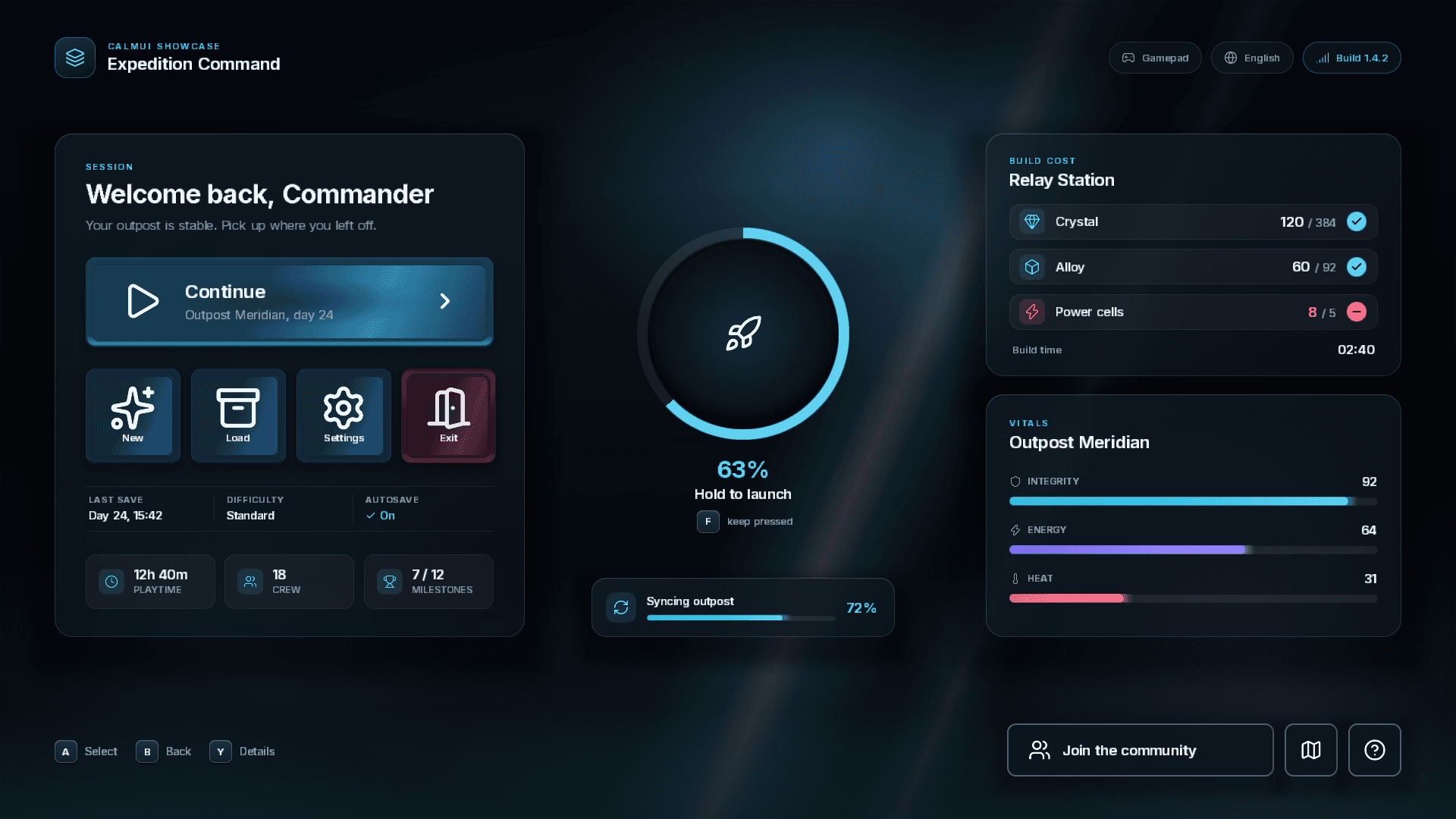
A screen built with CalmUI. Rendered by the CalmUI runtime, from HTML-like templates, CSS and TypeScript.
Edit your UI in Studio, preview the result, and check it in your Unreal project.
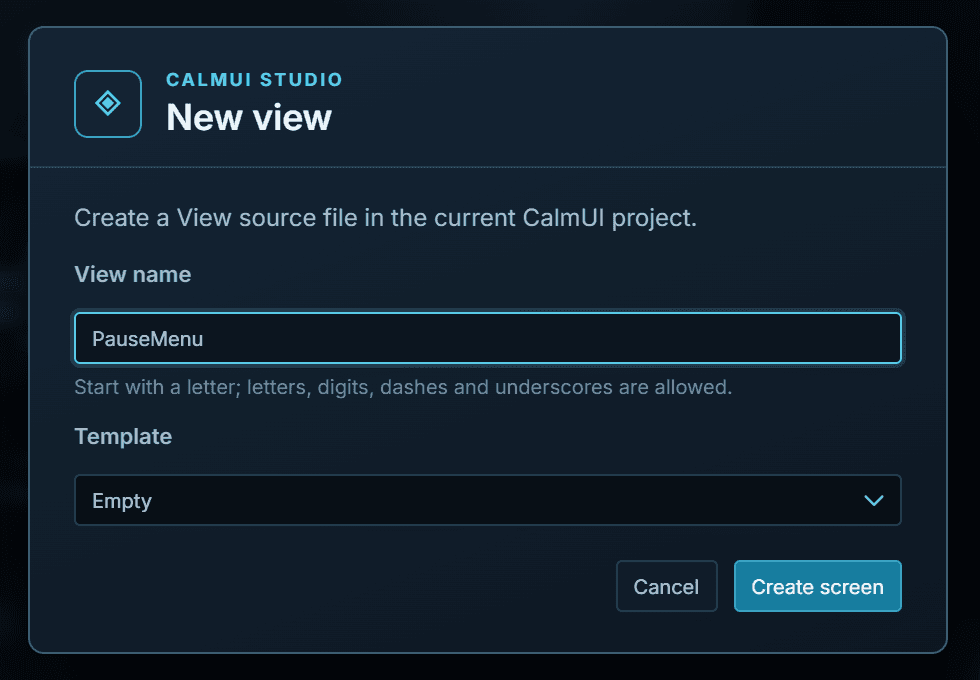
Build menus, HUDs and reusable components in CalmUI Studio.
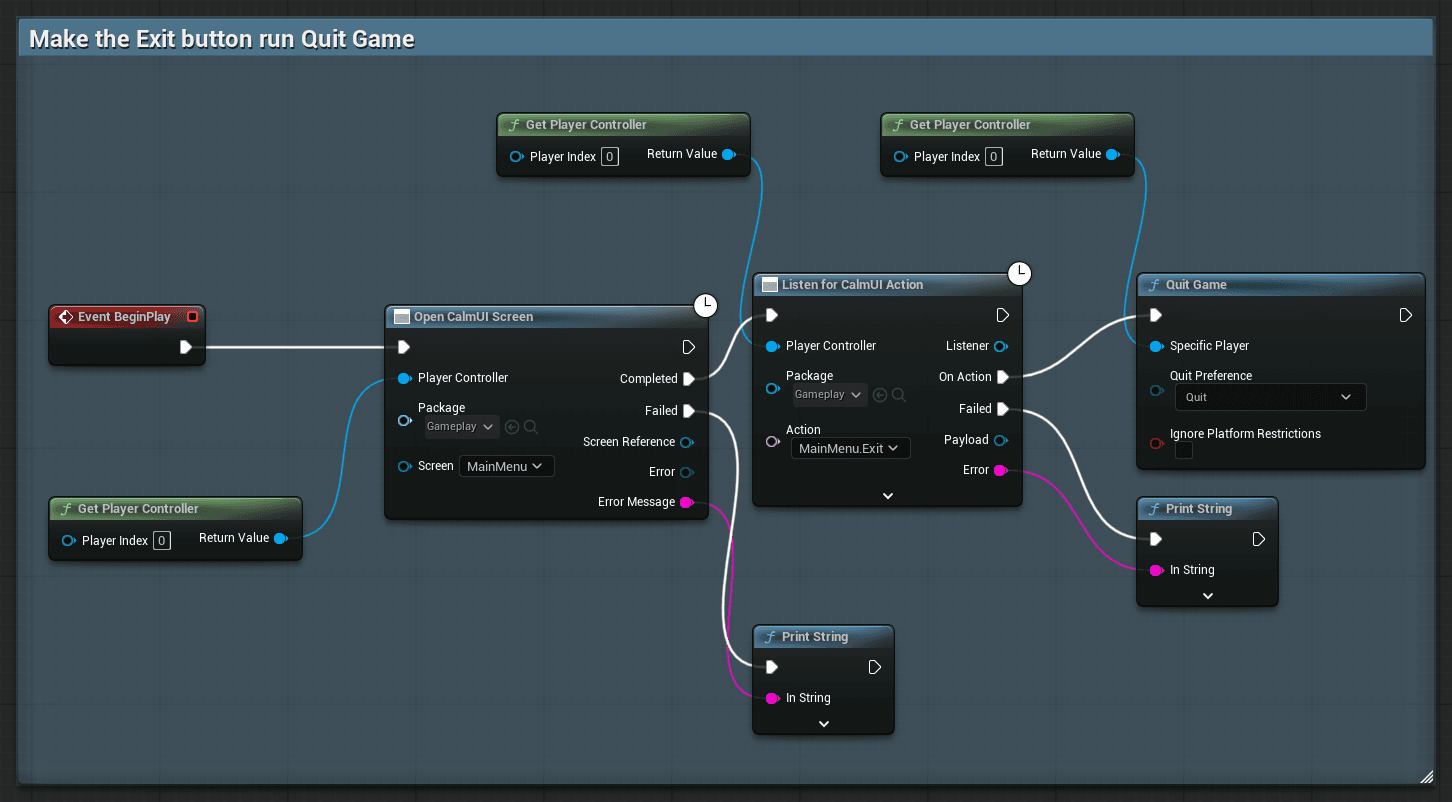
Connect your UI to game data and actions through C++ or Blueprints.
Check supported UI changes in a running play session without restarting it.
A failed compile keeps the last working interface, Store state and focus instead of replacing the screen you are looking at. Store and action definition changes rebuild the package and can reload a complete View. What a save updates
Build a button, panel or menu component once, then use it wherever your UI needs it.
Component libraryKeep colors, spacing and typography in shared styles, so you don’t have to adjust each screen separately.
Themes and tokensPreview your UI at different sizes to catch cramped layouts and overflowing text before testing them in-game.
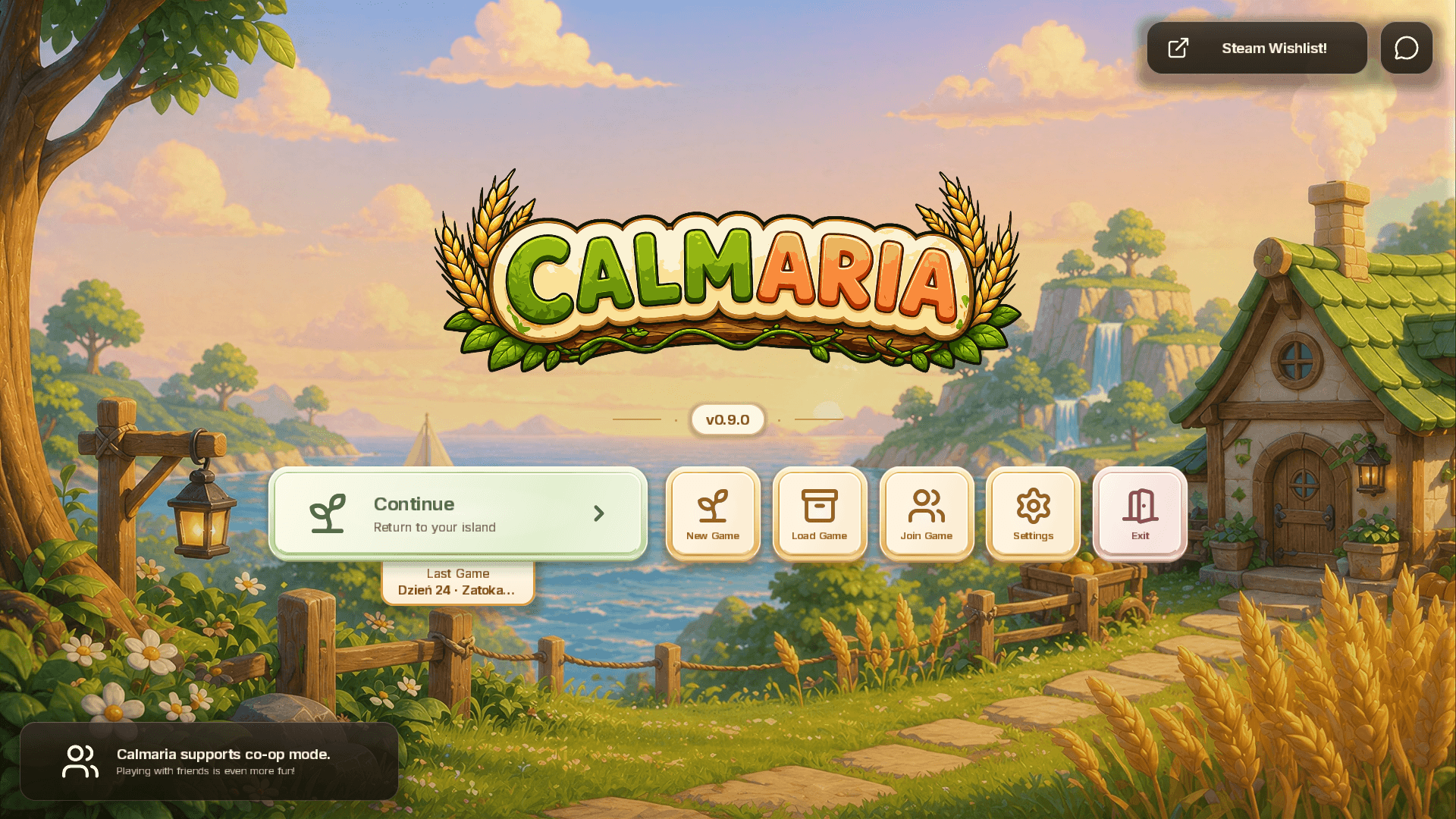
PreviewCalmUI began as a way to make UI work more practical while building Calmaria, our own game. It grew into a separate tool for creating and integrating game interfaces. These screens show CalmUI in use in that project and in the CalmUI showcase sample.
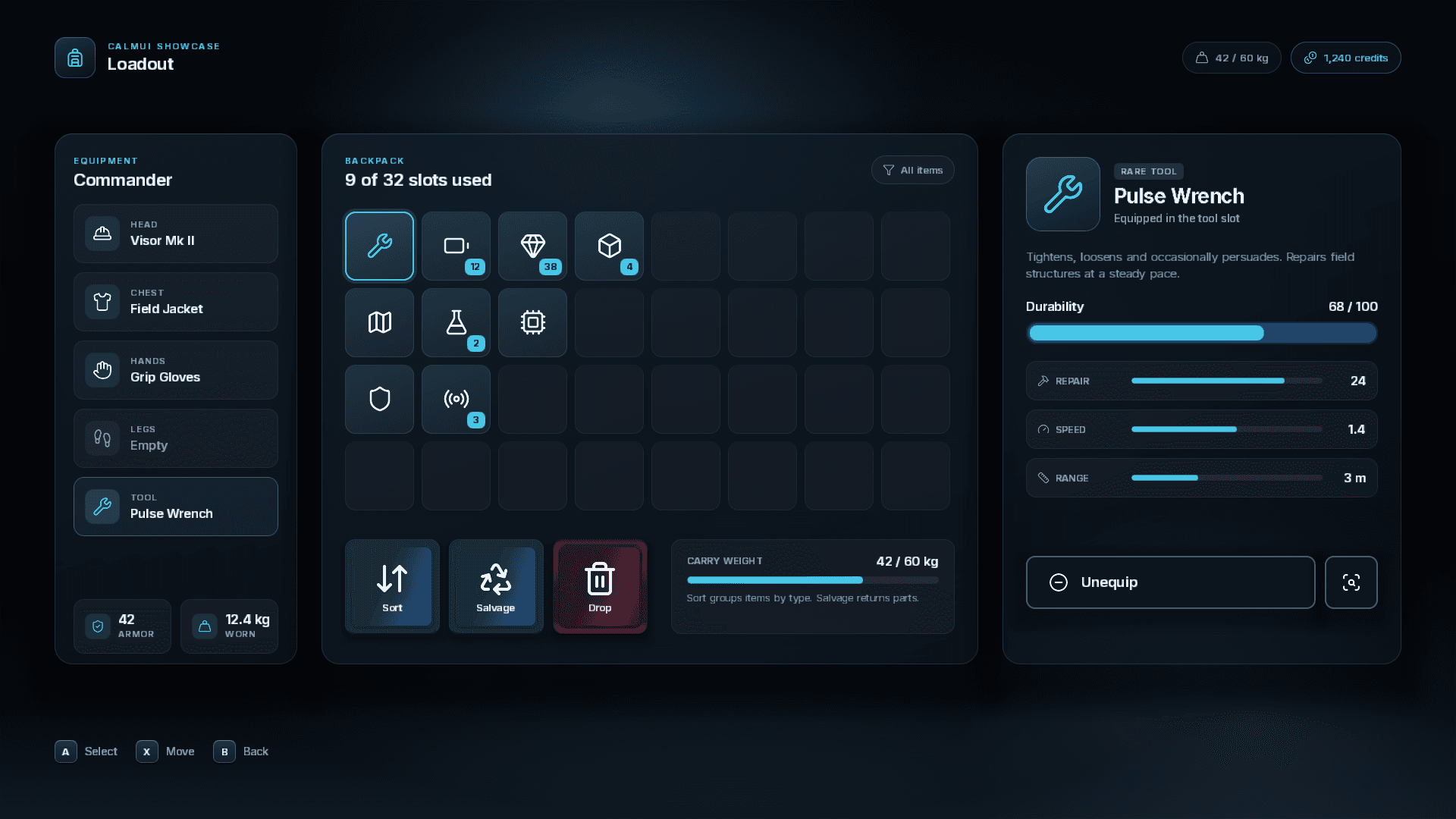
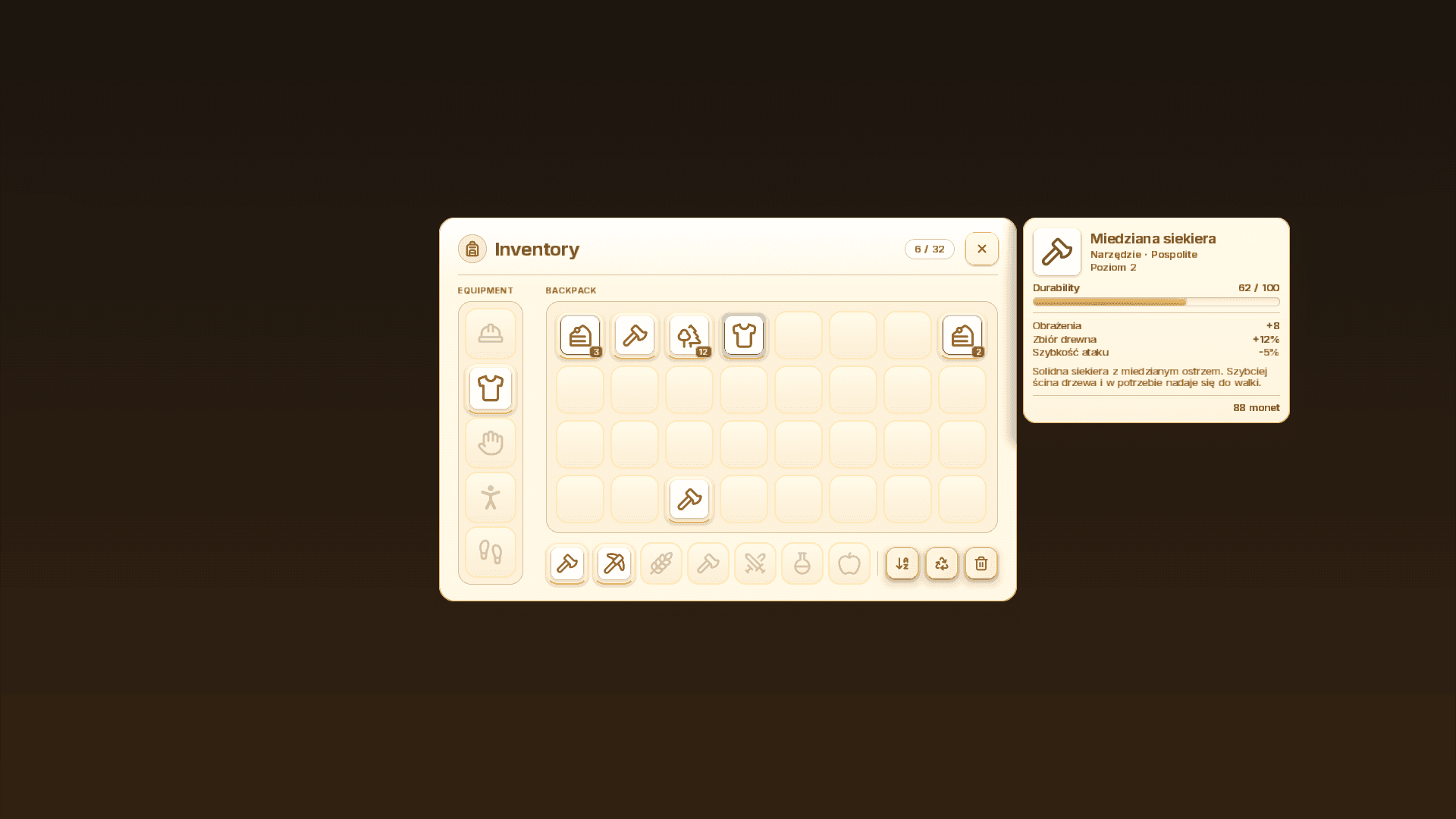
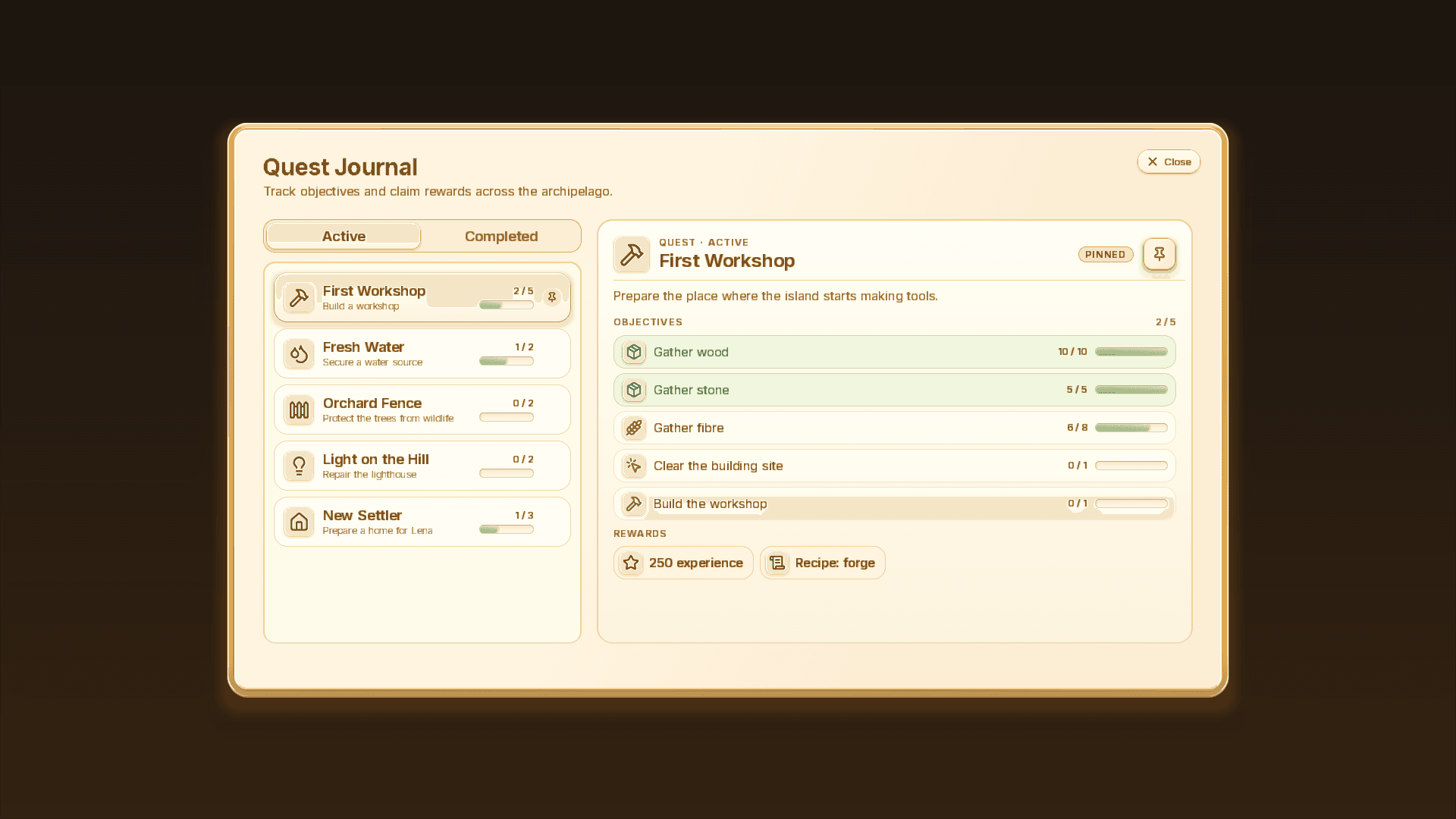
CalmUI showcase: Loadout
CalmUI uses HTML-like templates and a documented CSS feature set. Your UI runs through the Unreal plugin, rather than inside an embedded web browser.
Use the C++ and Blueprint integration to connect your screens to the data and actions in your game.
Blueprint and C++ integrationReview changes in Git, edit outside Studio and keep your UI source alongside your project.
The .calmui file referenceAnchor interface to actors with native world markers instead of a widget per actor.
Navigate screens with mouse, keyboard or gamepad through the plugin’s input profiles.
Author localized text in templates and scripts, and test it in Preview.
Preview screens against Store fields you control, before the gameplay code exists.
CSS profile limits and compiler errors report as codes you can look up and fix.
Build packages from the command line and ship them with your Unreal project.
Studio’s cost pill and Profiler report the frame total, layout passes, full document renders (with the reason when a change could not be patched in place), style resolves and patch counters while you author. Recorded numbers from our own project, with the build, scene, viewport and method they were measured under, are in the docs.
Measured examples and how they were taken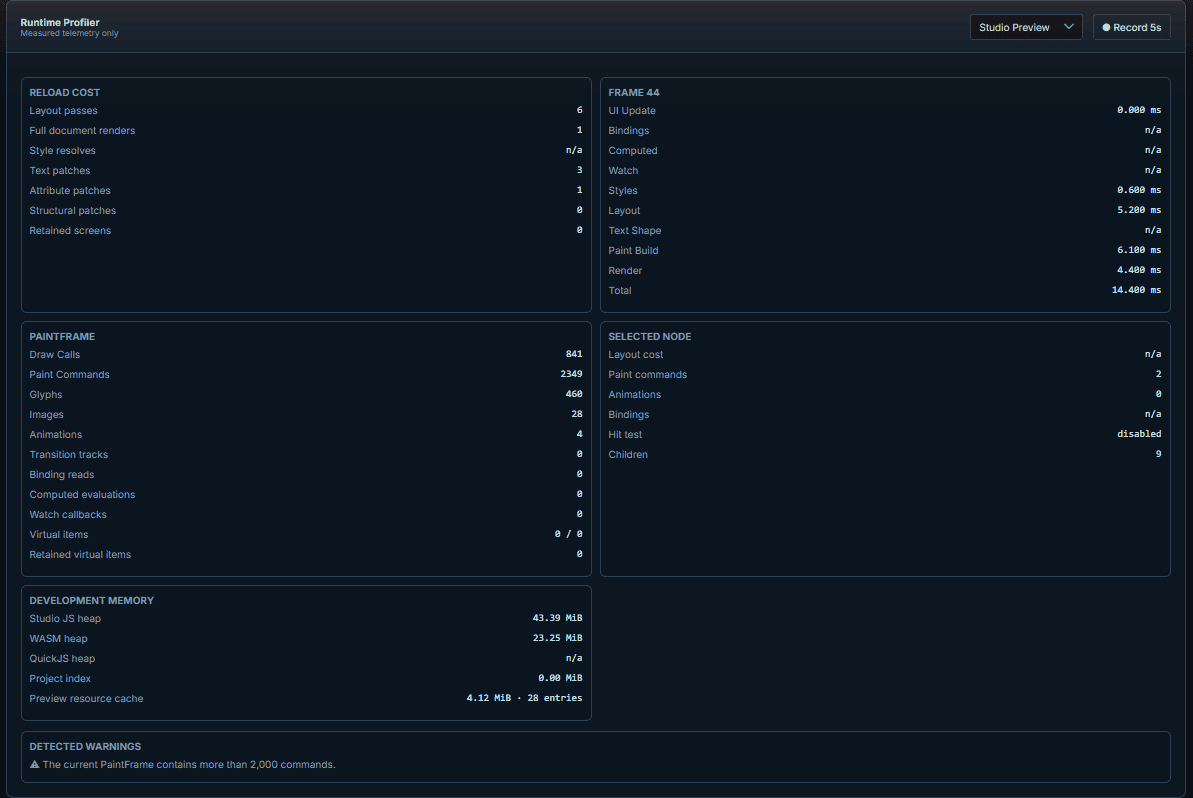
CalmUI is currently accepting testing applications. Submit the form with a few details about your Unreal project. We’ll contact you if we can offer you access to a test build.
CalmUI includes Studio for creating UI and an Unreal Engine plugin for running it in your game. It is supplied as a Windows installer and a plugin for your project.
No. CalmUI uses web-style authoring, while the Unreal plugin renders the UI without an embedded browser.
CalmUI is not a browser runtime. It uses HTML-like templates and a documented CSS feature set, so existing web interfaces may need changes. Check the supported CSS features before adapting an existing UI.
Studio combines source editing with live preview and inspection tools. You can add, move and remove elements in Hierarchy and change shared colors, spacing and typography in Themes; appearance itself is edited as CSS. It is not a full drag-and-drop page builder. What you can arrange in Studio.
Test builds target Unreal Engine 5.7 on Windows x64, validated on 5.7.4. Studio, the CLI and the Unreal Editor, Development and Shipping builds are released for Windows x64; Linux and macOS have build automation only and are not a validated runtime target. See supported platforms and version compatibility.
Tell us what you’re building and which parts of your UI workflow you’d like to improve.
Applications are reviewed before access is offered.